
Xero Auto Recurring Payments
Need to make recurring payments and wish you could set and forget?
Now you can!
1. Click Pay Now
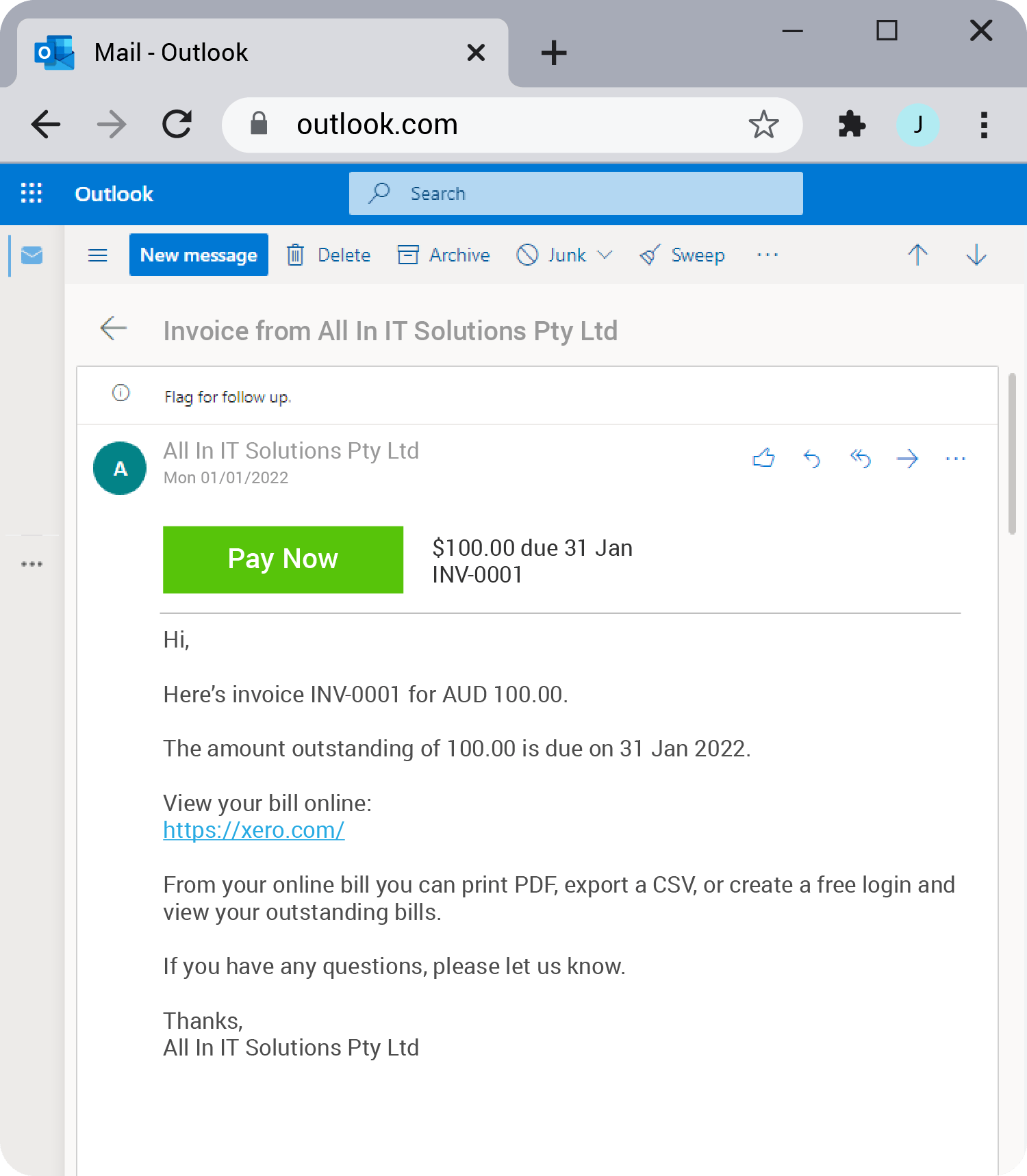
In the invoice emailed, just click the Pay Now button as you normally would.
2. Click Set up Auto Payment
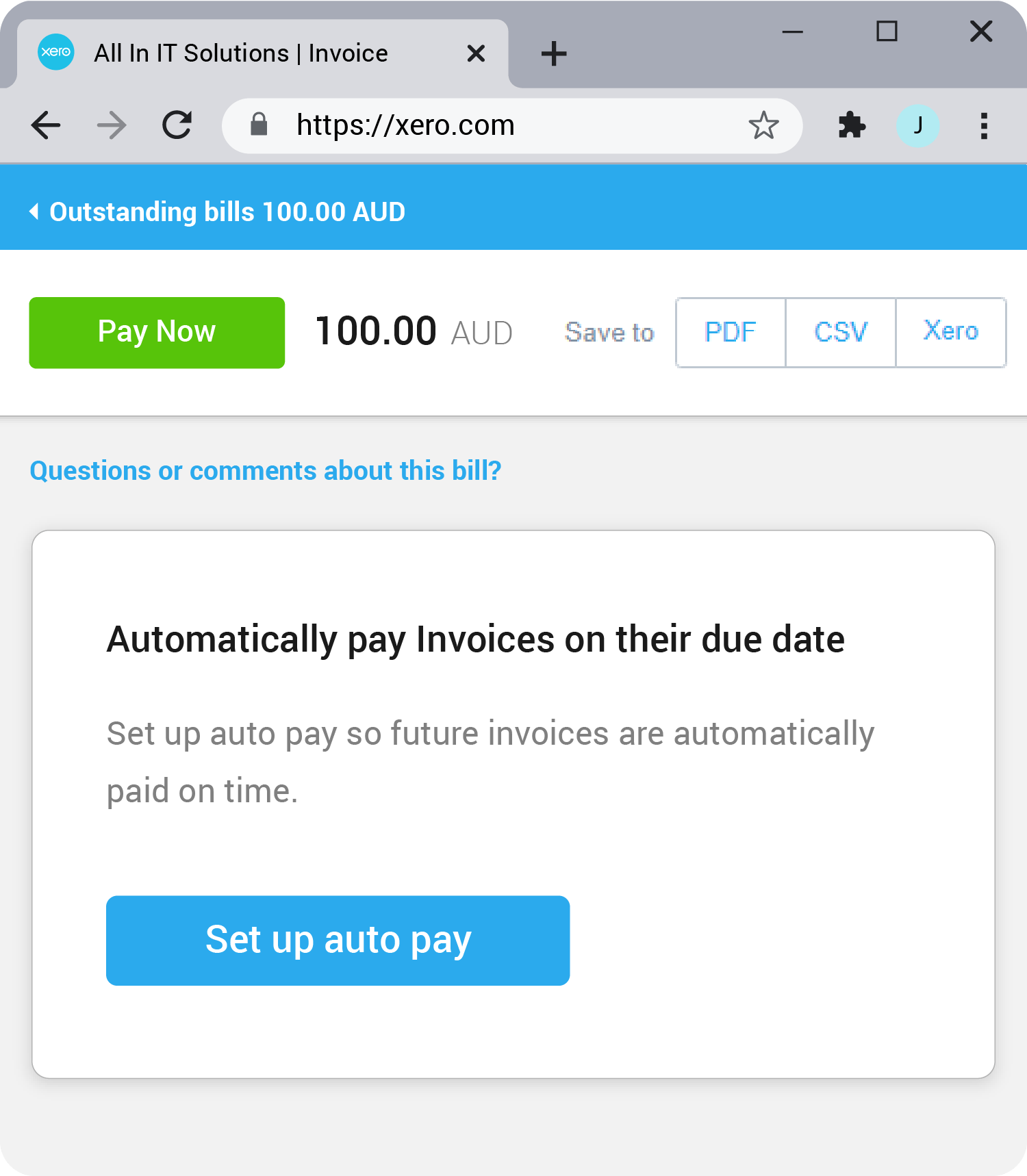
Click the Set up Auto Pay button in the “Automatically pay invoices” prompt.
3. Fill, Check & Pay
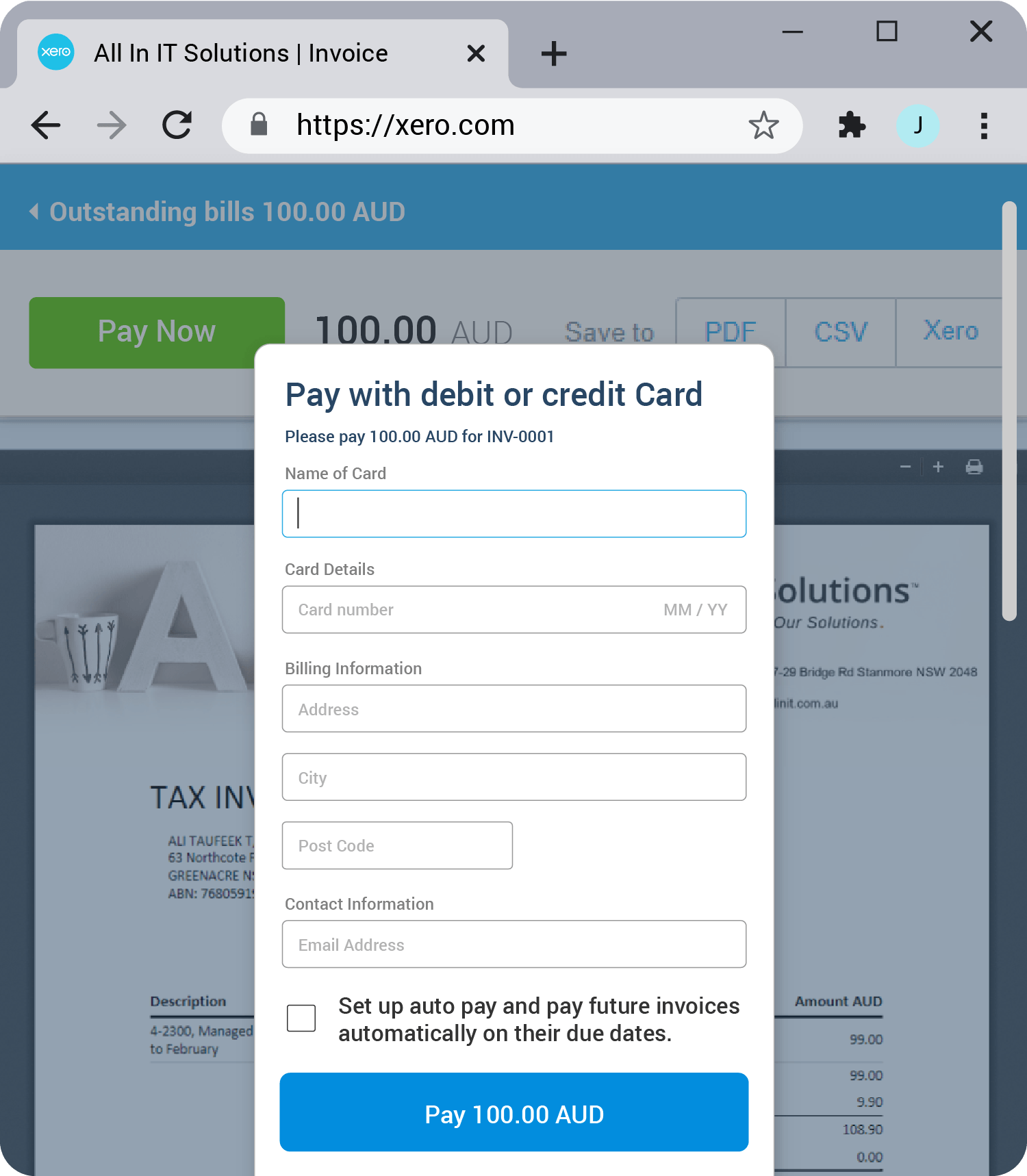
Fill out your payment details, check
Set up Auto Payment and click Pay.